
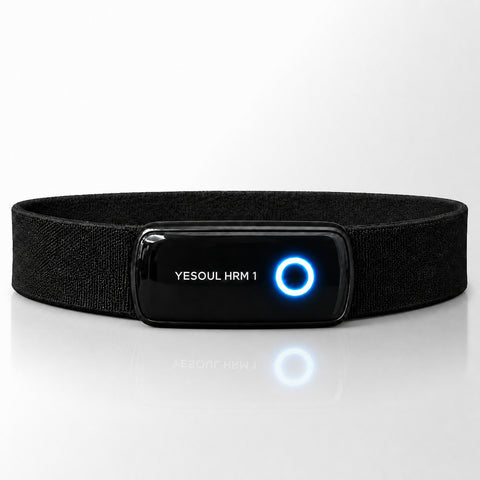
Live Heart Rate
128 BPM

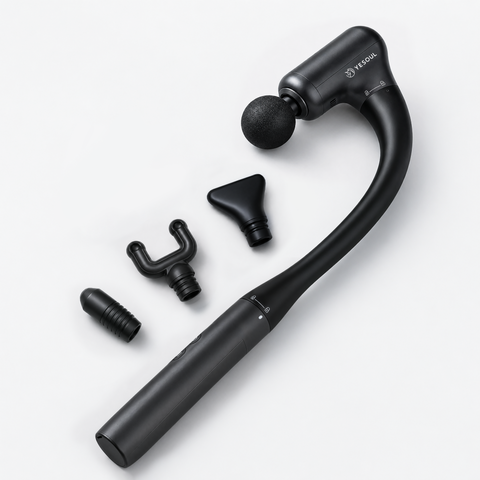
Purchase any eligible product and get a FREE YESOUL Recovery Kit!
At a constant effort, your heart rate slowly climbs over time. This is cardiac drift — it silently pulls you out of Zone 2 around minute 20 of every session, without you feeling the change.

Even at a constant pace, your HR climbs as your core temperature rises. By minute 30 you can be 10+ BPM above your Zone 2 ceiling — training too hard, without knowing it.
As your heart rate gradually rises, staying in range often means checking the numbers and manually lowering speed or incline. Even experienced users can miss it when they’re focused on the workout, the screen, or the rest of their day.
ZoneSync reads the trend before drift becomes a problem and smoothly reduces speed — gentle enough that you won't feel the change, effective enough that your HR stays in the zone.
A true Zone 2 session should feel steady, controlled, and almost effortless to manage. ZoneSync keeps the adjustments in the background, so you can stay focused on the walk, the screen, or your recovery.
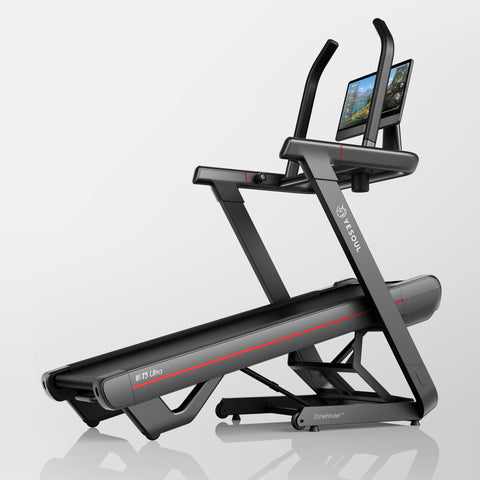
Automatic Zone 2. From $1,399.99.
ZoneSync runs a continuous loop from the moment your session starts. Here's what's happening while you're just walking.
Live heart rate from a chest strap, plus your current speed and incline.
Smooth out motion spikes and signal noise, so ZoneSync responds to the trend, not every blip.
Check whether you’re in Zone 2, approaching the ceiling, or drifting below your target range.
Estimate where your heart rate is heading in the next few moments if nothing changes.
Make a small speed or incline change to help bring your effort back toward range.
Give your body time to respond before making the next adjustment.
ZoneSync adjusts speed because it changes effort quickly.
Adjustments are intentionally small and gradual, designed to keep the workout steady without sudden jumps.
ZoneSync assists, but never locks you in. You can override any adjustment instantly and stay in control.
Use ZoneSync in full auto mode or guided mode. Switch anytime based on how much control you want.
Select your Zone 2 range, then let ZoneSync handles everything from there. Speed adjusts automatically throughout the session. You don't touch a button until you're done.
ZoneSync monitors your heart rate and prompts you when to adjust, such as “slow down slightly”. You decide whether to act.
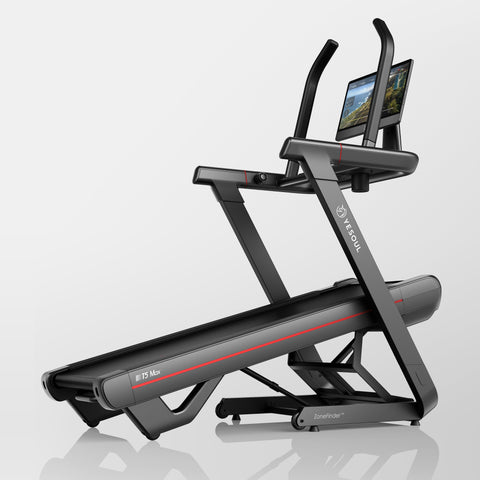
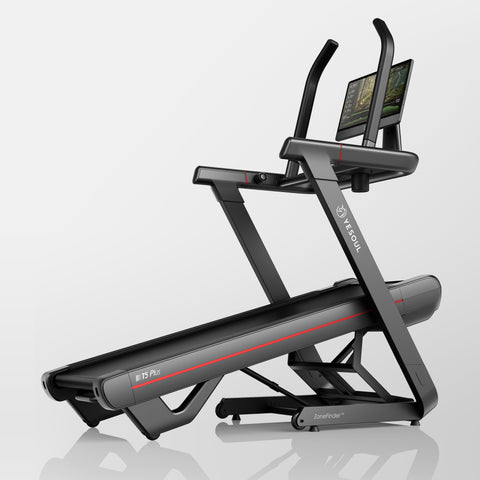
ZoneFinder defines your personal range. ZoneSync helps you stay there.
Both standard on every T5. No subscription required.
The goal is not just another number on screen. It is a steadier Zone 2 session, from warm-up to finish.
Continuous speed adjustment to keep your HR inside your ZoneFinder range, for the full session.
The slow HR climb that derails 20-minute+ sessions — detected early, corrected smoothly, before you'd feel it.
Time in Zone 2, average HR, drift pattern — fed back to ZoneFinder to sharpen your zone over time.
ZoneSync uses the zone Zone Finder built — so as Zone Finder refines your range, ZoneSync gets more accurate automatically.