

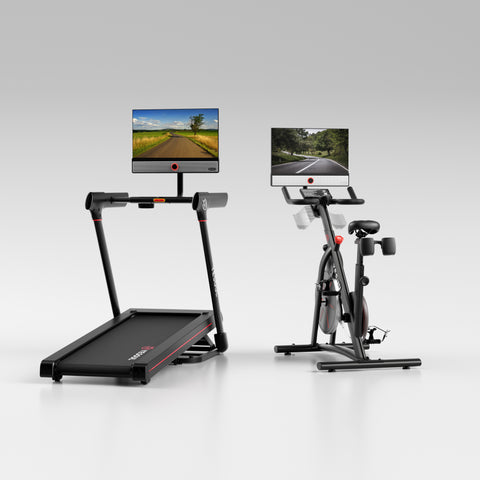
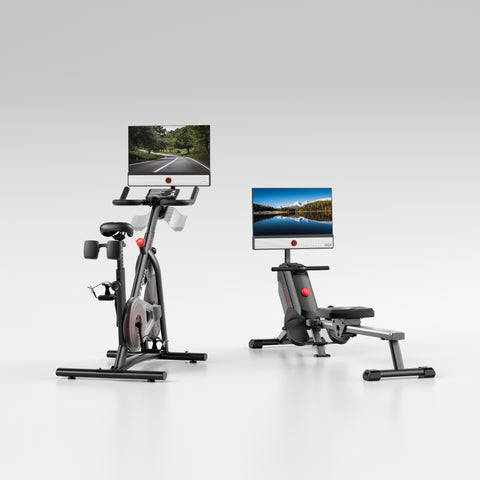
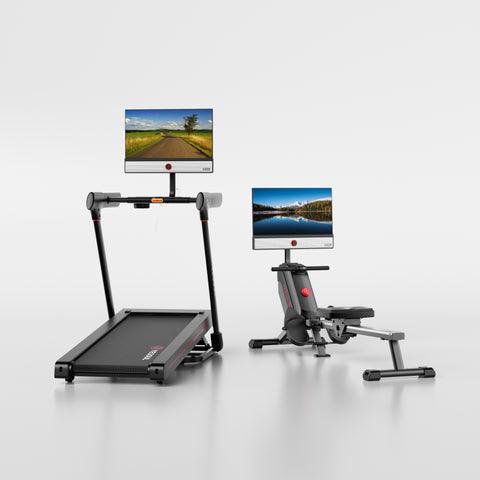
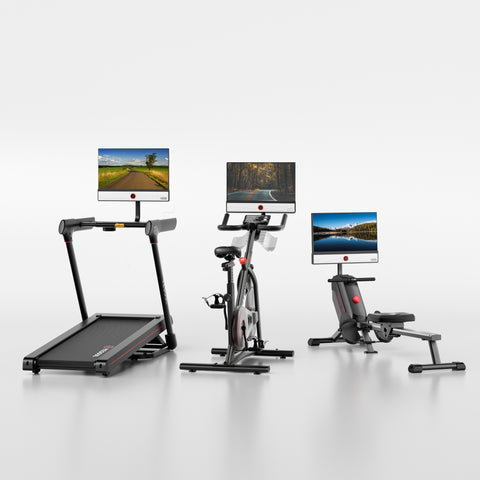


Most Devices Start With a Formula.We Start With Four Signals.
Basic calculators estimate Zone 2 from age. Zone Finder combines heart rate, effort, breathing, and training history to create a more personal range.
Basic Zone Calculators
ZoneFinder™
Four Steps to Your Personal Zone 2.
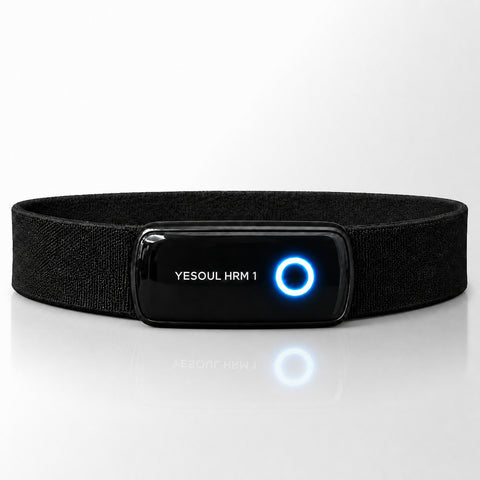
ZoneFinder starts the moment you put on the chest strap — and keeps getting sharper every time you train.
We Start With You
Your profile, your resting HR, your history
We Read Your Signals
Live from the graded warm-up test
We Find the Threshold
Where your Zone 2 actually sits
We Keep Learning
Every session sharpens it
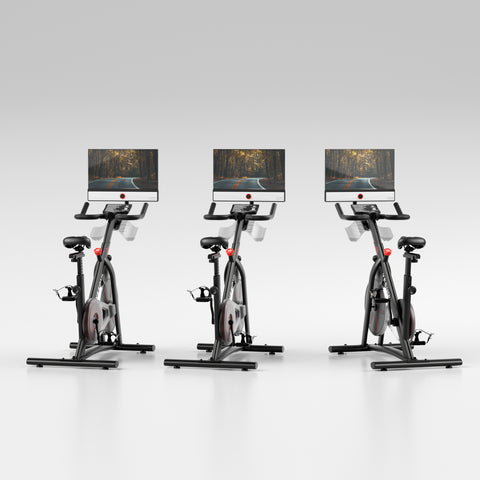
ZoneSync™ Holds the Zone
Automatic speed
Not One Formula. Four Signals.
Each signal adds context the others miss. Together, they create a smarter Zone 2 estimate than a formula alone.
Heart-Rate Curve
Your live HR across an increasing-load test — we track how fast it climbs and when it starts to run away from the work.
Perceived Effort
Your 1 to 10 RPE captures fatigue, heat, poor sleep, and stress that heart rate alone may not explain.
Breathing Pattern
The chest strap detects a shift in your breathing as intensity crosses the aerobic threshold — earlier and more accurately than perceived effort alone.
Training Performance
If Zone 2 feels the same at a lower HR after six weeks of training, your fitness has improved and your zone should shift too.
Four signals. Your zone. From $1,399.99.
Know How Much to Trust the Range
Zone Finder shows the source and confidence behind your range, so you know whether to train, refine, or retest.
First Session Baseline
No test data yet. Zone Finder starts with a reasonable baseline from your profile — a safe range to begin training while it builds your personal picture.
Good Estimate, Improving
Some signals were incomplete or inconsistent. Keep training with the chest strap to sharpen your range.
Test Validated Zone
You completed the graded session with a chest strap. Heart rate, breathing, and perceived effort all aligned. This is the number to train to.
It Keeps Learning After the Test
Every session quietly feeds back into Zone Finder. Over time, your zone becomes more accurate than any single test could make it.
Stable Session Data
How your heart rate behaves during confirmed Zone 2 windows.
Time in Zone
Consistently drifting above or below the the range helps refine your bounds.
Boundary Crossings
Heat, fatigue, and hard training weeks are logged as context.
RPE
Too light or too hard feedback updates the estimate without a full retest.
Fitness Progression
As you get fitter, the same load costs less HR. Zone Finder shifts your zone upward.
Session Consistency
Regular Zone 2 work helps confirm that your range is sustainable.
Your Zone 2, With Full Transparency.
ZoneFinder gives you the range, the reason behind it, and the confidence level. Then it passes that target to ZoneSync.
Your Zone 2 Range
Personal lower and upper BPM bounds, calibrated to your body.
Source Explanation
See which signals shaped the estimate. No black box, no unexplained number.
Confidence Level
Shows how reliable your Zone 2 range is, based on the data collected and how well your signals align.
Feeds ZoneSync™
The target range ZoneSync uses to adjust speed automatically.